
Control which file changes trigger a new build with path-based build filters — define allowed and ignored paths using glob patterns directly from your build settings.
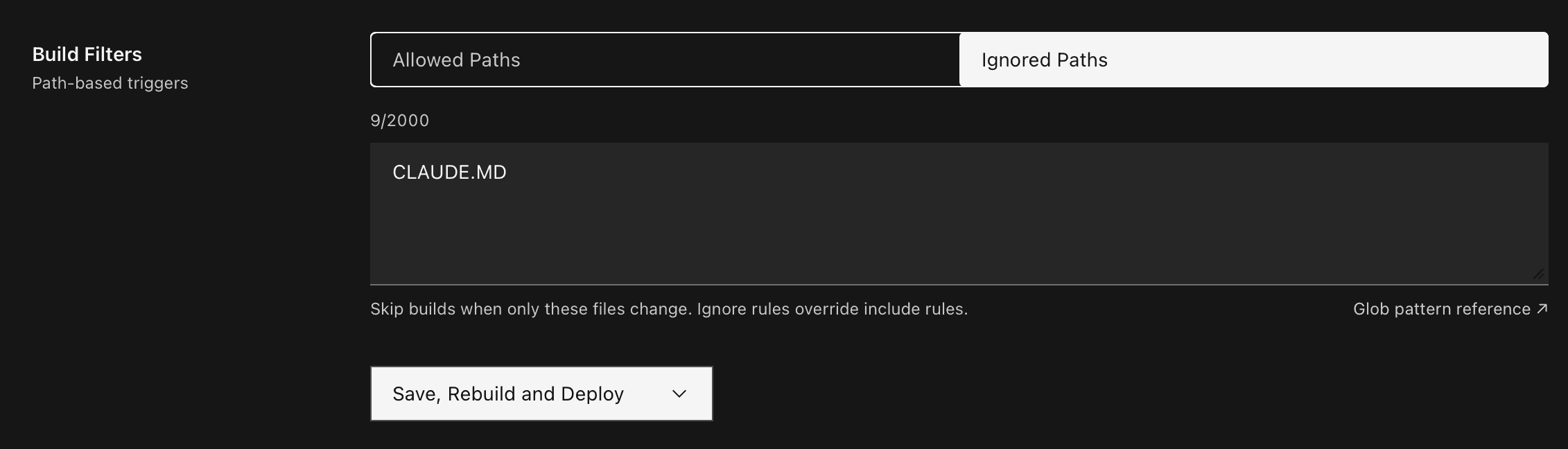
Allowed paths
Restrict builds to only trigger when files matching specific patterns change. One glob pattern per line.
src/**
package.json
Dockerfile
Ignored paths
Skip builds when only certain files change. Ignore rules take precedence over include rules.
docs/**
*.md
.github/**
How it works
- Allowed Paths — Only changes to files matching these patterns will trigger a build. Leave empty to allow all paths.
- Ignored Paths — Changes to files matching these patterns will never trigger a build, even if they match an allowed path.
- Patterns follow standard glob syntax —
**for recursive matching,*for single-level wildcards.
Navigate to Applications → Settings → Build to configure build filters for your application.