
Control who can reach your applications with IP Access Profiles — reusable CIDR allowlists you can attach to one or more apps.
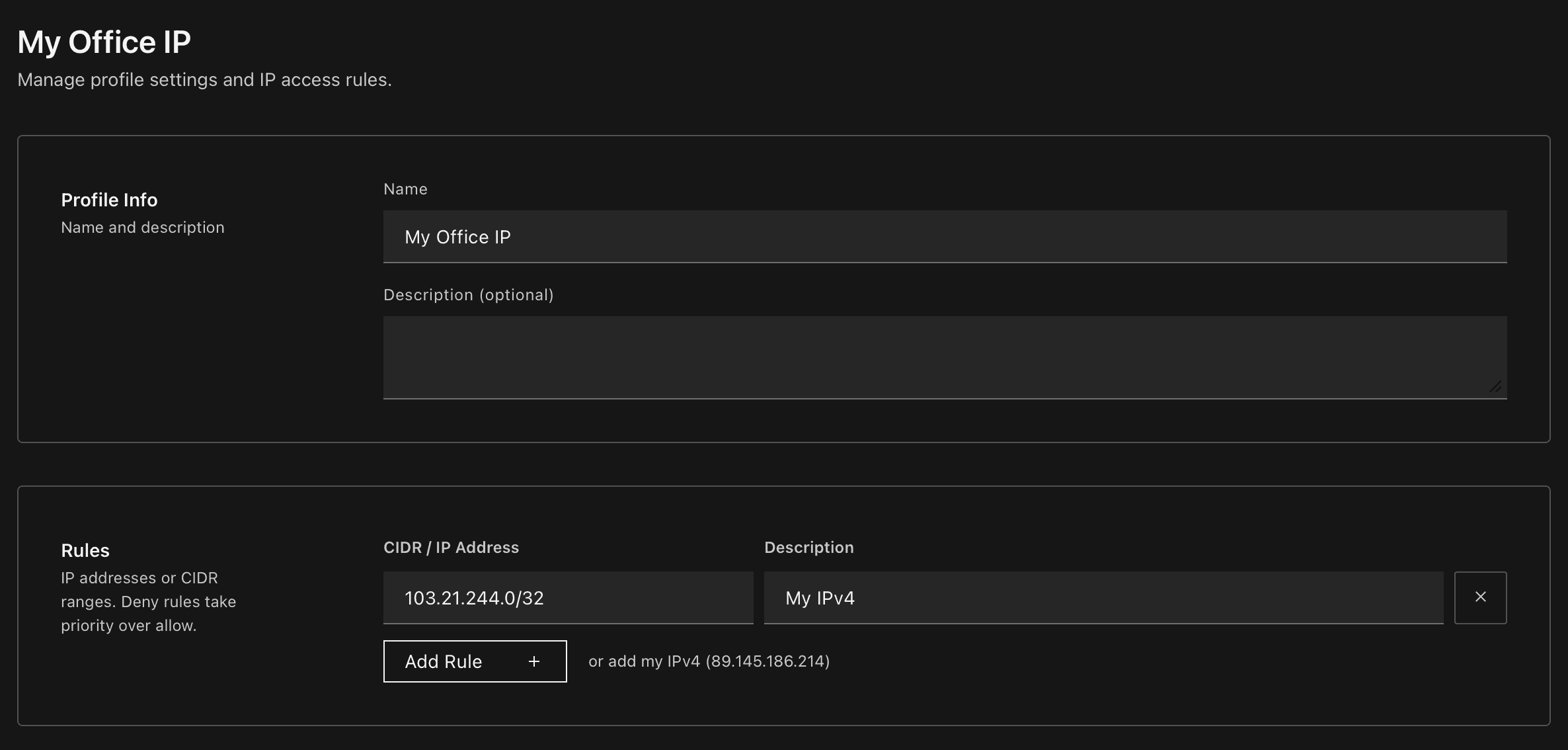
Create once, assign anywhere
Define a named profile (e.g. Office Network, VPN Gateway) with a list of allowed CIDR ranges, then attach it to any app in your team. One profile can protect multiple apps, and any app can combine multiple profiles — rules are merged automatically.
10.0.0.0/24        Office LAN
203.0.113.42/32    VPN exit
2a02:ff0::/32      IPv6 prefix
IPv4 and IPv6, one click away
The profile editor auto-detects both your IPv4 and IPv6 addresses and offers a one-click link for each — add whichever (or both) your network uses.
Works on every domain
The same profile enforces the same rules on platform domains (*.outplane.app) and on custom domains you've mapped to your app — no extra configuration.
Head to Settings → IP Access to create your first profile, then open any app's Network tab to assign it.