
Close your laptop. Your agents keep working. A Hangar is a cloud machine for your team's coding agents, right next to your applications, and it is free during the beta.
outplane hangar create myhangar --agent claude-code
Your agents, already installed
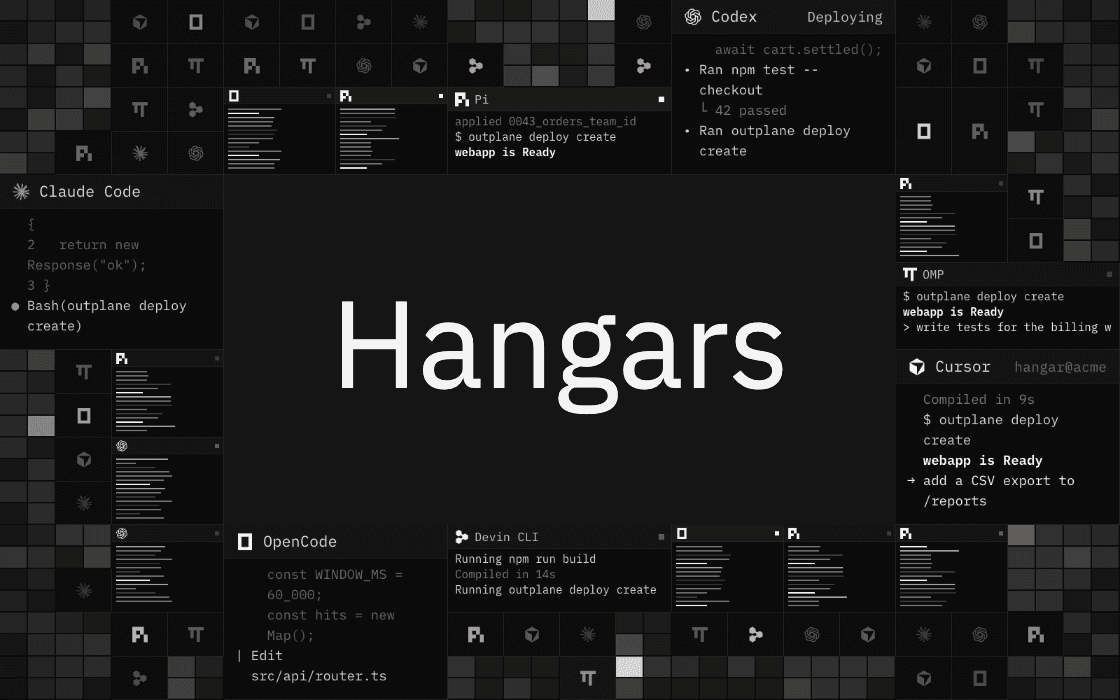
Choose from Claude Code, Codex, Cursor, Devin CLI, OpenCode, Pi and OMP. Each one gets a window of its own and runs on your own plan or API key. Prefer a plain shell? Pick Terminal only.
Your repository, already on the disk
Pick a repository and a branch when you create the Hangar, from your connected GitHub account or any public repository. It is cloned once, on the first start, into your home directory. From then on the clone is yours.
One machine for the team
A Hangar belongs to the team, not to whoever created it. Everyone opens the same terminal, in the console or with outplane hangar connect, and shares the same files and the same agent sign ins.
It keeps working, and pauses when it is idle
The machine keeps running whether or not anybody is connected. After 30 minutes without activity it pauses itself, and you can set that anywhere from 15 minutes to 24 hours, or never. Everything in your home directory stays across pauses and restarts.
From a preview to production
Open up to three ports to look at what an agent built, or to share it. When it should stay up, ship it: the Out Plane CLI is installed on every Hangar, so once it is signed in, your agents deploy with outplane deploy create.
During the beta
Each Hangar has 2 vCPU, 4 GB of memory and a 10 GB disk, and a team can have five.
Documentation is at docs.outplane.com/docs/console/hangars.